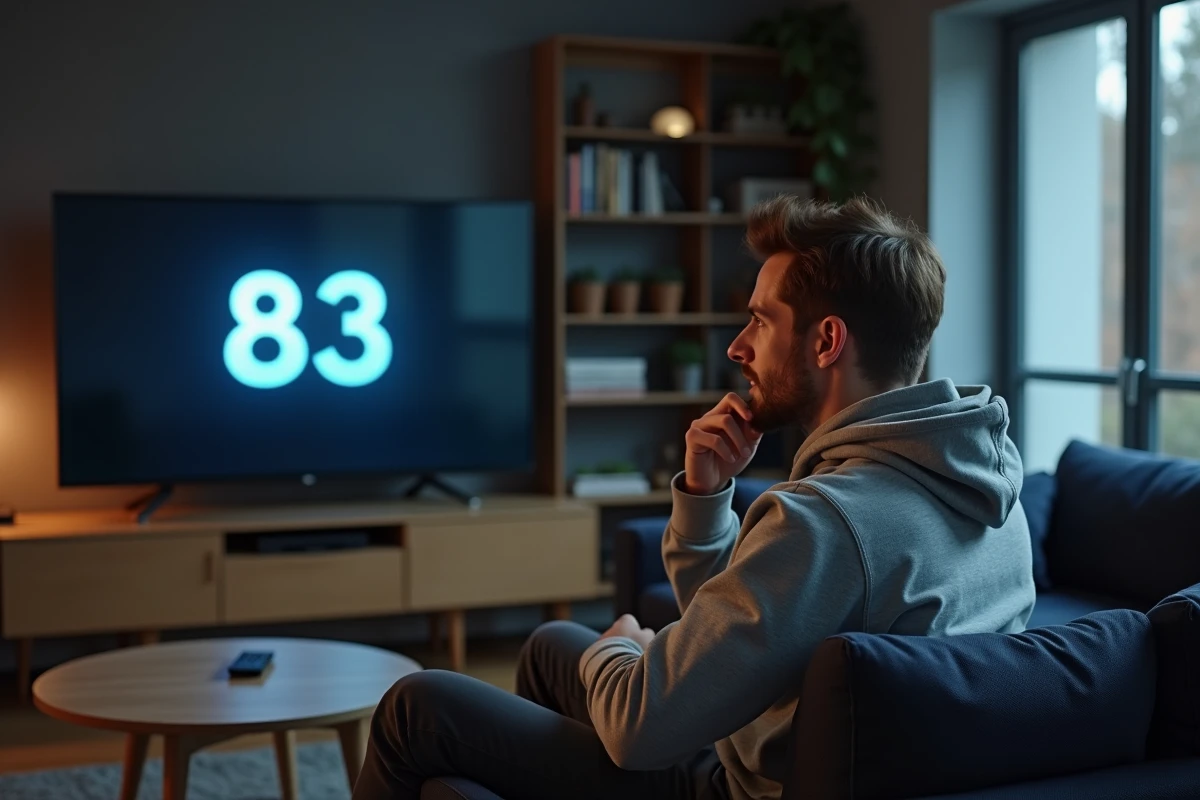
The Disney+ error code 83 indicates a device validation refusal by the platform’s servers. Behind this generic message lies a DRM verification mechanism that compares the hardware and software fingerprint of the device to authorized profiles. When this fingerprint does not match the expected criteria, the stream is blocked, even if the device is technically compatible.
Error 83 Disney+ and 5G networks: why false positives are multiplying
Disney+’s anti-piracy algorithms rely on the IP address, connection type, and geographical consistency to validate a device. 5G networks, and eventually the 6G infrastructures currently being standardized, pose a structural problem: the handover between cells changes the IP address during the session. The server interprets this change as an attempt to bypass geographical restrictions and triggers error 83.
We observe that ISPs deploying standalone 5G (SA) generate more false positives than those operating on non-standalone 5G (NSA), because the SA core network assigns IP ranges distinct from those historically associated with residential connections. Disney+ does not yet reliably distinguish a legitimate mobile connection from a VPN tunnel.

The evolving European regulations reinforce this phenomenon. The GDPR-related updates coming into effect in 2026 push platforms to tighten their geolocation checks, increasing the frequency of error 83 for users located in border areas or connected via a transnational operator. To resolve error code 83 on Disney Plus in this specific context, temporarily disabling 5G in favor of 4G or home Wi-Fi remains the most reliable method.
Technical diagnosis of error 83 on Disney+: DRM cache and device fingerprint
Before restarting anything, it is essential to understand what the device stores locally. The Disney+ app retains a DRM token (Widevine on Android, FairPlay on iOS/tvOS) and a session identifier. When this data is corrupted or desynchronized, the server rejects the device without checking the network connection.
Simply clearing the cache is not always sufficient. On Android, the distinction between “clear cache” and “clear data” is crucial. Clearing the cache removes temporary files, but clearing data resets the local DRM token, forcing a new negotiation with the server.
Specific case of Xiaomi tablets running Android 15
Field reports on Xiaomi devices indicate a recurring incompatibility with Disney+ after the update to Android 15. Error 83 persists despite standard resets. The procedure that works on these devices:
- Go to Settings, then Apps, then Disney+, and select “Clear data” (not just the cache)
- Manually revoke DRM licenses in Settings, then Security, then Trusted Credentials, to force the renewal of the Widevine certificate
- Reinstall the app from the Play Store after a complete restart of the device
This specific sequence resolves the majority of cases on Xiaomi Pad 6 and equivalent models.
Samsung Smart TV and error 83: the role of Smart Hub firmware
Samsung firmware updates from early 2026 have significantly reduced occurrences of error 83 on Smart TVs. The optimization of Smart Hub now prioritizes automatic network diagnostics before launching the Disney+ app, which avoids false positives related to misconfigured DNS or a transparent proxy enabled by default on some routers.
If your Samsung TV still displays error 83, check that the firmware is up to date via Menu, then Settings, then Support, then Software Update. On models prior to 2020, the HDCP certificate may also be at fault: an uncertified HDMI cable 2.0 or higher causes a DRM rejection that Disney+ translates as a generic code 83.
Advanced network checks for Disney+ error code 83
Consumer guides recommend “checking the internet connection.” In practice, the bandwidth is almost never the issue. Error 83 is related to the application layer, not bandwidth. Three network parameters deserve targeted inspection:
- The DNS used by the router: a third-party DNS (Cloudflare, Google) may be filtered by some ISPs via deep packet inspection, disrupting the resolution of Disney+’s DRM servers. Returning to the ISP’s default DNS eliminates this conflict
- IPv6: some operator boxes expose an IPv6 address that Disney+ servers do not handle correctly, triggering a validation error. Disabling IPv6 in the advanced router settings may resolve the issue
- Parental controls or application firewall: active rules on the router (Free parental control, Orange filtering) sometimes block requests to the DRM license servers without generating a visible alert on the user side
We recommend systematically testing with a mobile hotspot in 4G to isolate the problem. If Disney+ works in 4G but not in Wi-Fi, the router or ISP configuration is at fault, not the device.
VPN and geoblocking: a frequent trigger
Using a VPN is the most direct cause of error code 83. Disney+ maintains a blacklist of IP addresses associated with commercial VPN providers, continuously updated. Even after disconnecting from the VPN, the session token may remain associated with the previous IP for several minutes. Completely closing the app, waiting a few minutes, and then relaunching it without an active VPN resolves this discrepancy.
The tightening of anti-VPN controls by Disney+ in Europe, linked to recent regulatory obligations, makes this error more frequent than before for subscribers who alternate between home connection and work VPN.
Error 83 is not a one-off bug but a symptom of a DRM system struggling to keep up with the diversity of current network and hardware configurations. As long as streaming platforms do not adapt their validation algorithms to modern mobile network architectures, this type of false positive will remain a recurring irritant for subscribers.